Managing Signatures
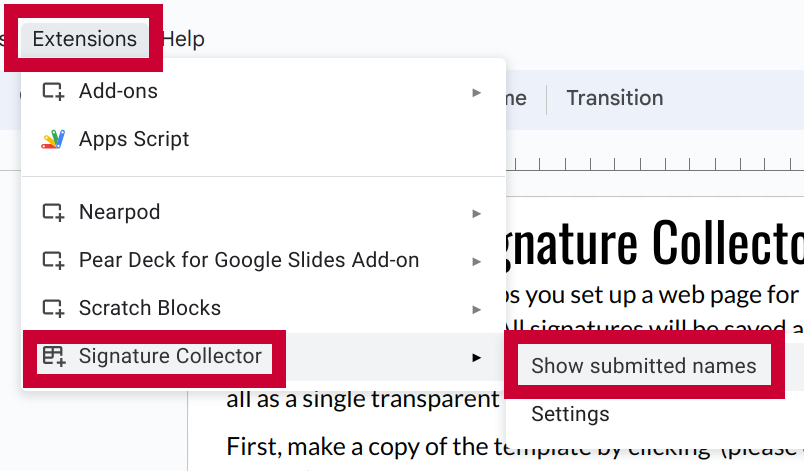
Signatures will be added to your Google Slide automatically after they are submitted. However, with a high volume of signatures, it can be difficult to manage and track them. To show a list of all submitted signatures, go to Extensions -> Signature Collector -> Show submitted names.
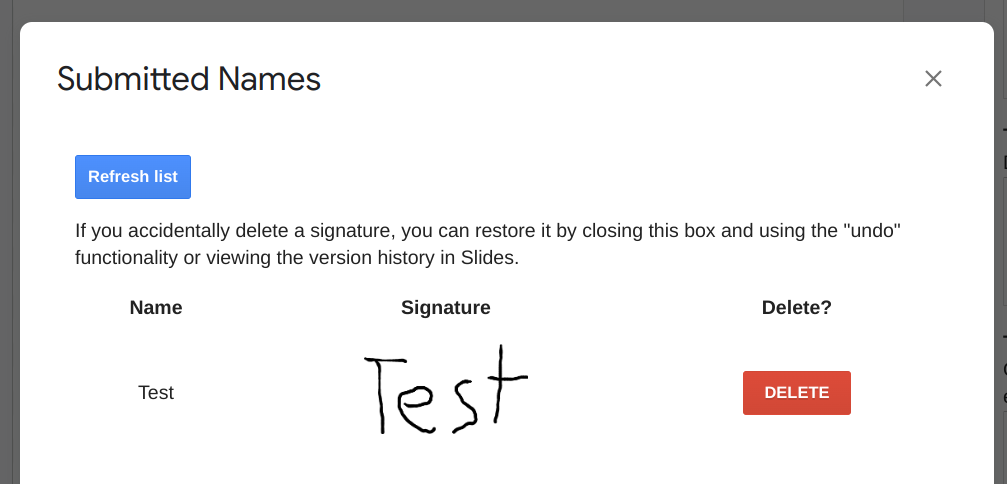
The resulting menu will show the name each person typed next to their signature. You can use this to verify participants and, if necessary, delete signatures.
Tip
If you accidentally delete a signature that you need to keep, you can restore it with the undo button. You can also view and restore earlier versions using version history.