Skipping records
If you are creating a layout that includes multiple records per page, you can use the NEXT_RECORD field between records to move on to the next row during the merge.
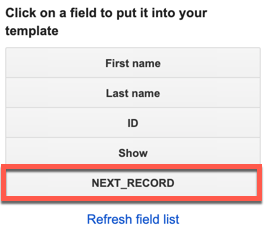
The NEXT_RECORD placeholder will not display in the final document; it just tells the merge to advance to the next row.
When the merge reaches the end of your layout, it automatically repeats the layout and advances to the next record. This means you only need to add the NEXT_RECORD placeholder if you want to include more than one record in the template you define.
Example
Suppose you want to create a set of name tags for your class. The layout you create puts six name tags on each page. Without the NEXT_RECORD placeholder, your template might look something like this:
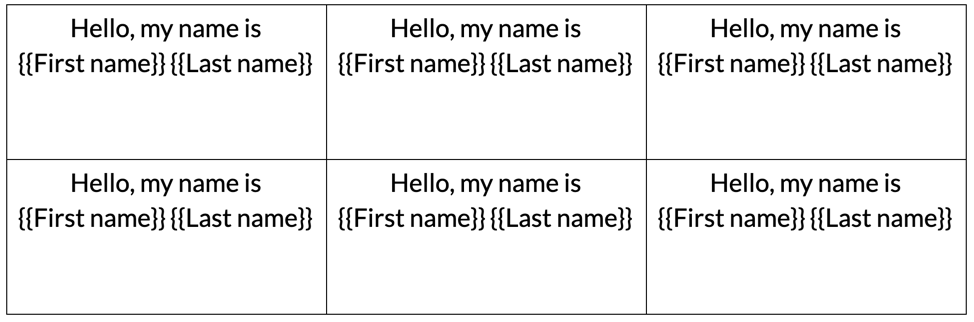
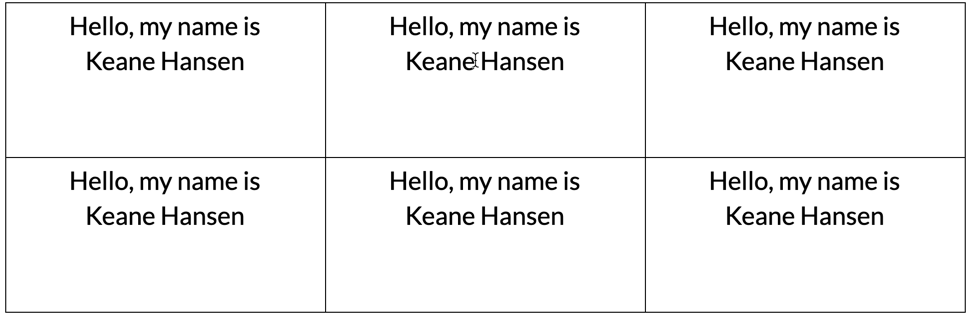
If you run this merge, you'll end up with six identical name tags for each person in your list!
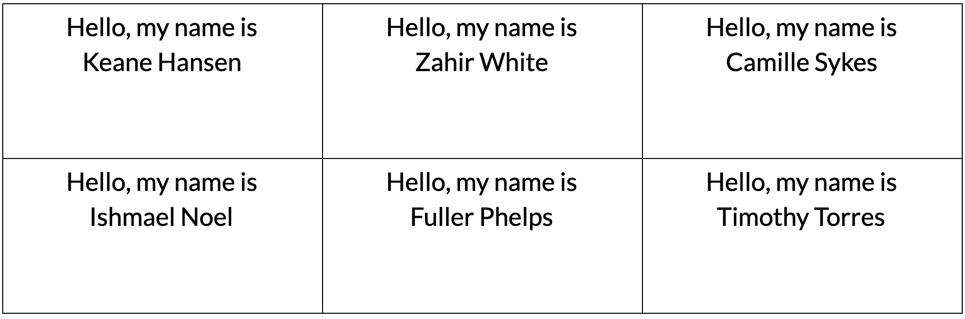
To fix this, add a NEXT_RECORD field after each of the first five name tags. The merge automatically skips to the next record when it reaches the end of your template, so you don't need to add the field after the last name tag on the page.
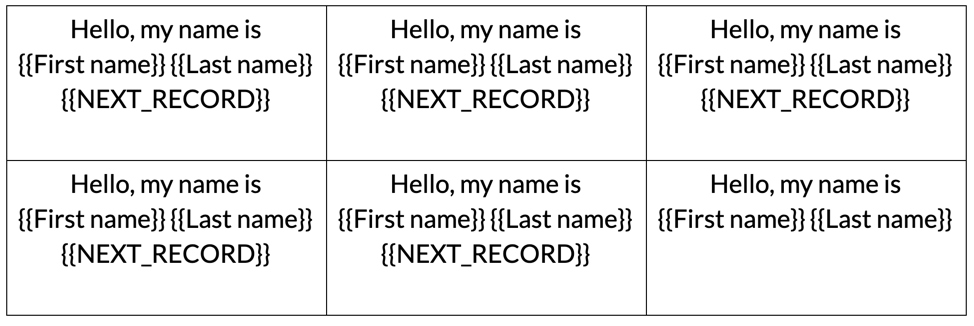
Now, running the merge results in one name tag per person. The NEXT_RECORD placeholders are removed after the merge runs, so they won't show up in the final document.
Missing rows
If you notice rows missing in your merged document, make sure you do not have a NEXT_RECORD field after the last placeholder on the page.