This web app is a collection of games players can use to practice using a mouse or trackpad. The games can be played as-is or customized by adding settings to the URL. See documentation.
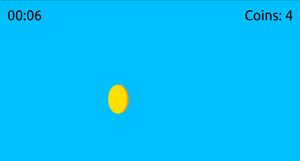
Click Practice: Coin Collector

Students practice navigating a mouse by clicking on coins to collect them from different parts of the screen.
Drag Practice: Apple Picker
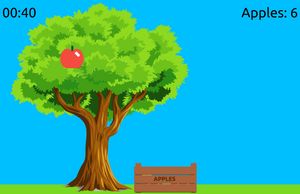
Student practice clicking and dragging by dragging apples from a tree into a basket.
Scroll Practice: Scavenger Hunt

Students practice scrolling by searching through a colorful layered scene to find hidden items before time runs out.
Select Practice: Word Selector
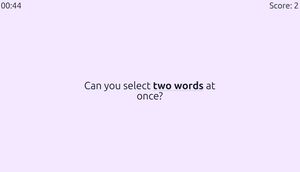
Students practice clicking and dragging to select text by highlighting bold words before the countdown finishes.
Privacy
In short, these games do not collect any data. See privacy for more information.